

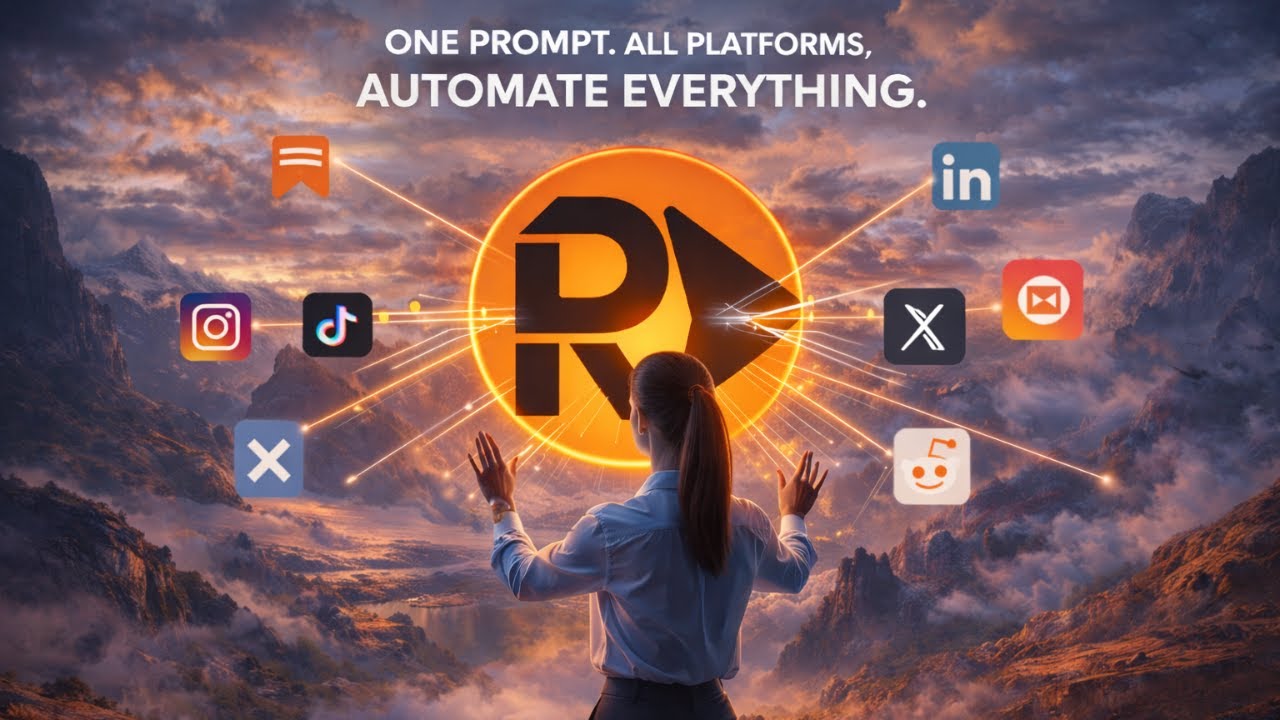
rtrvr.ai v27: Watch Your Cloud Agents Work in Real-Time
This is our biggest release yet.
v27 brings live browser viewing to cloud execution. Watch your AI agents work across hundreds of parallel browsers in real-time. Take over mid-run when needed. See exactly what your automation sees.
Plus: unlimited free usage with multiple Gemini API keys, automated content creation across all your social platforms, and a fundamentally smarter agent that orchestrates complex multi-step workflows.
Let's dive in.
🖥️ Live Cloud Browser Viewing
This changes everything about cloud automation.
Until now, cloud browser execution was a black box. You'd trigger a workflow, wait, and hope for results. When something failed, you'd dig through logs trying to reconstruct what happened.
No more.
Watch Your Agents Work
v27 introduces live VNC streaming for every cloud browser session:
- Real-time visibility: See exactly what your agent sees as it navigates, clicks, and extracts
- Parallel monitoring: Watch dozens of browsers simultaneously in a grid view
- Mid-run takeover: Jump in and interact with any browser at any time
- Attach later: Connect to running sessions even if you didn't start them
Why This Matters
We built this because debugging real-world agent failures—especially on sites with captchas, dynamic content, or complex authentication flows—required seeing exactly what was happening.
Logs tell you what the agent did. Live view tells you why something didn't work.
Technical deep dive: If you want the full architecture story—how we built VNC streaming for serverless Cloud Run workers without sticky instance routing—read our detailed engineering post.
Parallel Execution at Scale
The grid view transforms "hours of web research" into minutes:
Before: 100 URLs × 2 min each = 200 minutes (3+ hours)
After:  100 URLs ÷ 50 parallel browsers = 4 minutes
And you can watch all 50 browsers work simultaneously.
🔑 Unlimited FREE Usage
This is the feature our community has been asking for.
Multiple Gemini API Key Rotation
Add multiple Gemini API keys to your rtrvr.ai account. We'll automatically rotate through them, distributing load across keys.
The math is simple:
- Get free Gemini API keys from different Google accounts
- Add them all to rtrvr.ai
- Basically unlimited free usage
Upgraded to Gemini 3 Flash & Pro
We've upgraded our model integration to support Google's latest:
- Gemini 3 Flash: Faster execution, lower costs
- Gemini 3 Pro: Better reasoning for complex tasks
You choose which model to use based on your task complexity.
🎨 Automated Content Creation
Generate and publish content across all your platforms in a single workflow.
The Full Pipeline
1. Generate images with AI (DALL-E, Midjourney, etc.)
2. Create videos or edit existing content
3. Write captions and descriptions
4. Publish to LinkedIn, Twitter, Instagram, YouTube
5. All in one automated workflow
Better File Handling
v27 significantly improves how the agent handles files throughout workflows:
- File Pills: Manage attached files directly in the chat interface
- Cross-step file reuse: Agent can use images and files from previous steps
- Better media handling: Improved support for images, videos, and documents
This means your content creation workflows can now:
- Generate an image in step 1
- Edit it in step 2
- Post it to multiple platforms in step 3
- All without manual file management
🐦 NEW: rtrvr AI Twitter Bot
Just tweet at @rtrvrai and our AI agent responds.
Try it:
"Hey @rtrvrai, what are the top stories on Hacker News right now?"
The bot will browse to Hacker News, extract the top stories, and reply with structured results.
This is a glimpse of where we're headed: rtrvr.ai as infrastructure that any interface can trigger.
📋 One-Click Templates
No more writing prompts from scratch.
rtrvr.ai/retrieve
We've launched a template library at rtrvr.ai/retrieve with pre-built workflows for:
- Lead research: Extract company info, decision-makers, tech stacks
- Competitor monitoring: Track pricing, features, job postings
- Job applications: Auto-apply with resume customization
- Content research: Aggregate news, discussions, trends
- E-commerce tracking: Monitor products, prices, inventory
Pick a template, customize parameters, run.
Shareable Workflows
Every successful execution can be shared via a single URL. Your team can replay your exact workflow, or use it as a starting point for their own.
🔌 Enhanced MCP & API
MCP OAuth Support
Connecting to rtrvr.ai via MCP just got simpler:
Server URL: mcp.rtrvr.ai
Authentication: Google Sign-In (OAuth)
No more embedding API keys in your MCP configuration. Just connect and authenticate with Google.
New Cloud Tools via MCP
MCP connections now include:
/scrape: Cloud-based extraction with Smart DOM Trees/agent: Full agentic execution in cloud browsers
Rich Parameter Support
The API and MCP now accept:
- Files & Images: Pass URLs or upload directly
- Recordings: Reuse previous execution trajectories
- Shared Workflow URLs: Replay any shared workflow programmatically
Example: Batch job applications
// Run the same application workflow across 50 job listings
const results = await fetch('https://api.rtrvr.ai/agent', {
  method: 'POST',
  headers: {
    'Authorization': `Bearer ${apiKey}`,
    'Content-Type': 'application/json'
  },
  body: JSON.stringify({
    // Replay a shared workflow
    workflowUrl: 'https://rtrvr.ai/share/abc123',
    // With these job-specific parameters
    parameters: {
      jobUrl: 'https://company.com/careers/role',
      resumeUrl: 'https://drive.google.com/...',
      coverLetterContext: 'Customize for ML infrastructure role'
    }
  })
});
Full API & MCP documentation →
🧠 Smarter Agent
Automatic Sheets Orchestration
The agent now understands when a task requires multi-step orchestration and can:
- Create Google Sheets with appropriate workflow parameters
- Configure columns for input URLs, extraction fields, and output data
- Execute row-by-row with parallel processing
- Write results back to the sheet automatically
Example prompt:
"Research the top 50 YC companies from this batch, extract their funding, team size, and tech stack, and compile into a spreadsheet"
The agent will:
- Create a sheet with company URLs in column A
- Configure extraction columns for funding, team size, tech stack
- Run parallel browsers to research each company
- Write structured results back to the sheet
No manual sheet setup required.
Better Multi-Step Reasoning
We've improved the orchestrator's ability to:
- Break complex tasks into logical steps
- Maintain context across long-running workflows
- Recover from failures mid-execution
- Handle nested workflows (workflows that trigger other workflows)
✨ Quality of Life Improvements
Fresh Chat Hints
The extension now suggests starting a new chat when your current context is getting cluttered. Clean context = better agent performance.
Quick New Chat
Press Cmd + Shift + Enter (Mac) or Ctrl + Shift + Enter (Windows) to instantly start a fresh chat.
Simpler Sign-In
We've moved to lazy permission requests. We only ask for Google permissions when you actually need them (like writing to Sheets), not upfront during signup.
Better Captcha Handling
Our native captcha solving now handles even more challenge types. The agent can work through image selection captchas, checkbox challenges, and multi-step verification flows without external services.
Read how we built native captcha solving →
Redesigned Onboarding
New users get a streamlined setup flow:
- Install extension
- Add Gemini API key (free)
- Run your first automation
Time from install to first successful automation: under 3 minutes.
📊 Updated Credit Tiers
We've adjusted credit allocations across all tiers:
| Tier | Monthly Credits | Best For |
|---|---|---|
| Free | 250 | Trying rtrvr.ai |
| Starter | 1,500 | Individual automation |
| Pro | 4,000 | Power users |
| Enterprise | 12,500 | Teams |
| Scale | 60,000 | High-volume automation |
Remember: With BYOK (Bring Your Own Key) Gemini integration, you can run unlimited automations for free. Credits are only consumed for cloud browser execution and managed API calls.
💰 Affiliate Program
Love rtrvr.ai? Earn money sharing it.
- $2.50 per referral paid to you
- 50% off first month for your audience
- Track conversions in your dashboard
- Get paid monthly
Comparison Guides
We've published detailed comparison guides to help you understand where rtrvr.ai fits:
| Comparison | Key Differentiator |
|---|---|
| vs Claude for Chrome | $200/mo vs free with BYOK, multi-tab vs single-tab |
| vs Browserbase | E2E agent vs infrastructure-only, DOM vs CDP |
| vs Apify | Natural language vs code, auth sites access |
| vs Clay | Free extraction vs $800/mo enrichment platform |
| vs Chrome Extensions | Full agent vs smart scrapers |
What's Next
v27 is our biggest release, but we're just getting started:
Coming soon:
- Scheduled cloud executions: Set it and forget it monitoring
- Team workspaces: Shared workflows, templates, and results
- Custom browser profiles: Persistent cookies and auth across sessions
- Enhanced recording: Screenshot capture at key steps for debugging
Get Started with v27
Update Your Extension
If you already have rtrvr.ai installed, it should auto-update. If not:
Try Cloud Browsers
Experience live VNC viewing with parallel execution:
Join the Community
Questions, feedback, feature requests:
Resources
- Chrome Extension — Install free
- Cloud Platform — Scale to hundreds of browsers
- API Documentation — Programmatic access
- MCP Documentation — Connect to Claude, Cursor, any MCP client
- Templates — One-click workflows
- Benchmark Results — 81.39% success rate
Happy Automating!
The rtrvr.ai Team